PikPDF Download on the App Store

Ask your paperwork anything.

PikPDF scans your documents, reads them and answers questions about them, right on your iPhone. It translates them too. Nothing is uploaded to us.

Download on the App Store

Free on iPhone and iPad.
Premium adds AI answers, translation and every PDF tool.

What is the total due?

Answer

The total due is $4,498.20: $3,780.00 for 42 hours of work plus 19% VAT.

From “Invoice — July 2026”, page 1

Three things it does that a plain scanner doesn’t.

PikPDF Ask screen answering “What is the total due?” with the source passage from the invoice

Ask a question, get the line that answers it.

“When does the lease end?” “How much was the hotel?” PikPDF searches the text of your scans and shows the passages that match, highlighted. On iPhones with Apple Intelligence, Premium also writes a short answer and tells you which document it came from.

If the answer isn’t in your documents, it says so instead of guessing.

PikPDF translating a German rental agreement into English

Read a German lease in English.

Translate a whole document with Apple’s on-device translation. Copy the text, or save a new PDF that keeps the original layout, logo and signatures, with your language in place of the old one.

Premium. The first time you use a language pair, iOS downloads it from Apple.

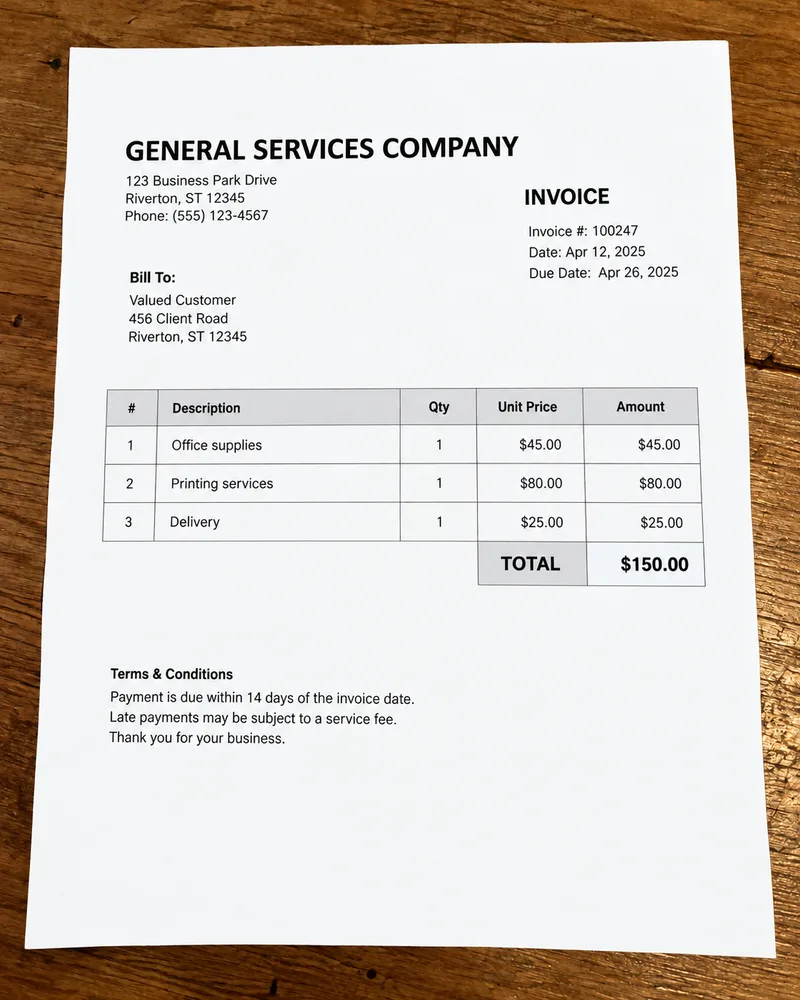
PikPDF recognizing the text lines on a scanned invoice

Find any scan by a word inside it.

Text recognition runs on your iPhone and turns every page into a searchable PDF. Type a name, an amount or a customer number and PikPDF finds the page, not just the file.

Free.

The paper that piles up, sorted.

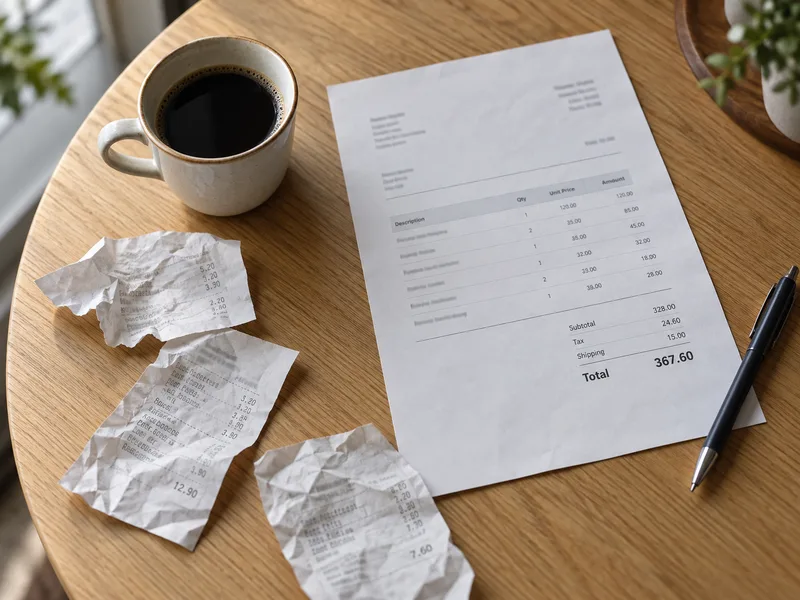
Receipts and an invoice on a cafe table
Receipts and invoices. Scan them as they come, pull out amounts and tax, and send a monthly expense list as CSV.
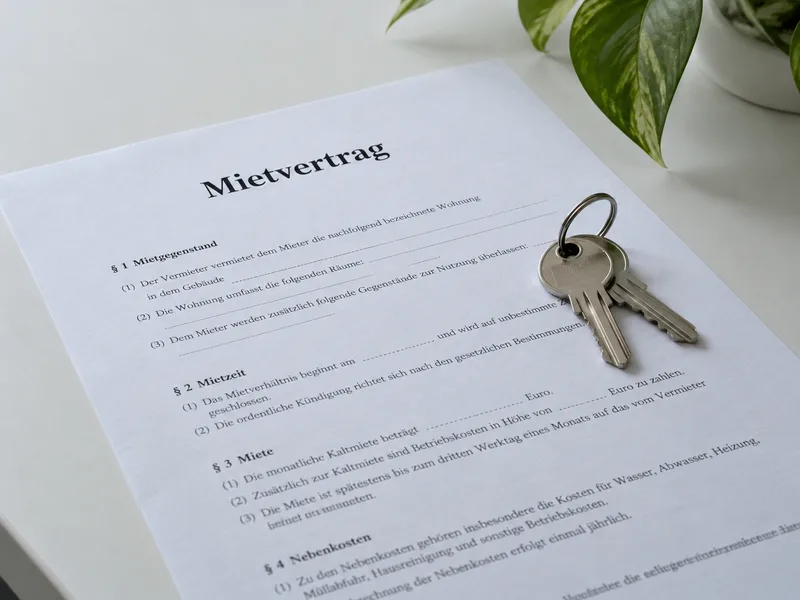
A German rental agreement with apartment keys
Contracts in another language. Translate a lease or an employment contract and ask it about notice periods and deposits.
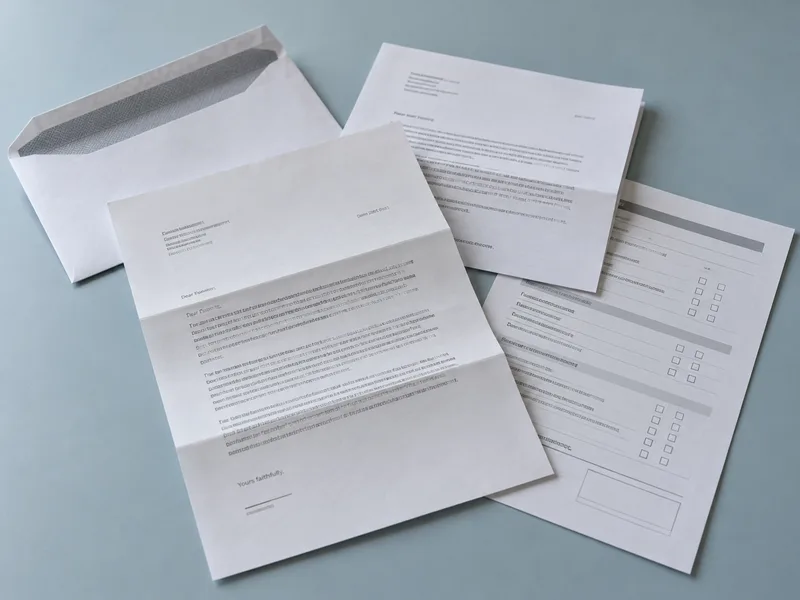
Opened official letters and a printed form
Letters and forms. Keep official mail in folders, fill in PDF forms, sign, and get a reminder before a document expires.

All your PDF work, in one app.

Scan it, fix it, sign it, send it, and find it again next year.

From a creased page to a clean PDF.

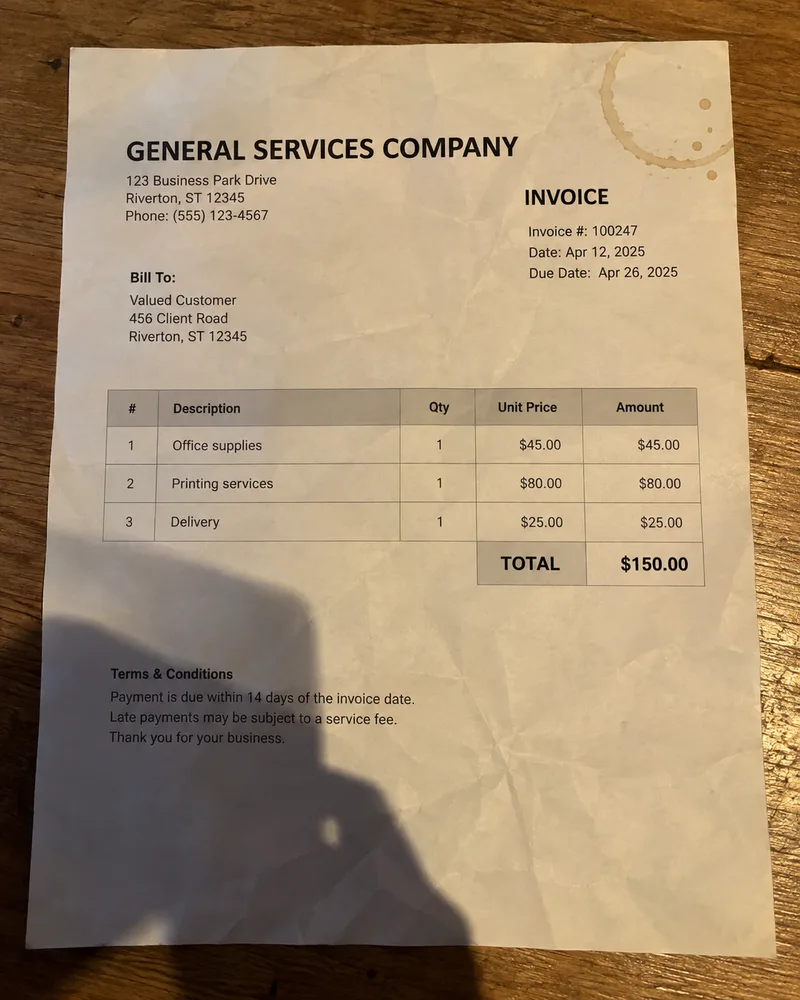
Scan several pages in a row, crop and straighten each one, and let the filters lift shadows, stains and yellowed paper so small print stays readable.

  • Multi-page camera scanning
  • Crop and straighten
  • Filters for shadows and faded print
  • Photos to PDF, ID cards and passports
The same invoice after scanning: white paper, crisp text A creased invoice photographed on a desk, with a shadow and a coffee stain

Your documents stay on your iPhone.

We don’t run a server that sees your files, so there is nothing of yours for us to store, sell or lose. Scanning, text recognition, answers and translation all use Apple technology on your device.

Read the privacy policy
  • No ads. No advertising and no third-party analytics SDK in the app.
  • Backup only if you want it. iCloud backup goes to your own private iCloud container and is off until you turn it on.
  • You decide what leaves. A document only leaves the app when you share or export it.
  • Lock it. Protect the app or single folders with Face ID.

Start free. Upgrade when the pile grows.

Free

$0

  • Up to 10 documents
  • Scanning, cropping and basic filters
  • Text recognition and searchable PDFs
  • Ask, with highlighted matches
  • Form filling, folders, Face ID lock

Premium

$24.99 a year, with a 3-day free trial

or $3.99 a month

  • Unlimited documents
  • AI-written answers, summaries and auto-naming on Apple Intelligence devices
  • Document translation
  • Merge, split, compress, sign
  • Receipts, IDs and passports
  • Protected, watermarked, JPG and text exports
  • Expiry reminders

U.S. prices. The App Store shows your local price and whether you can get the trial before you buy. Subscriptions renew until you cancel. Subscription terms

Questions

Is PikPDF free?

Yes. You can scan, recognize text, search and ask questions with up to 10 documents for free. Premium removes the limit and adds AI answers, translation and the PDF tools.

Which iPhones get AI answers?

AI-written answers, summaries and auto-naming need iOS 26 or later, an iPhone that supports Apple Intelligence, a supported language and Apple Intelligence turned on in Settings. On other iPhones, Ask still finds and highlights the matching passages.

Are my documents sent to an AI service?

No. PikPDF uses Apple’s on-device models and translation. Your documents aren’t sent to us or to any external AI provider.

Which languages does translation support?

The languages Apple’s Translation framework offers on your device, including English, German, Spanish, French, Japanese, Chinese and Turkish. iOS downloads each language pair the first time you use it.

Does it work on iPad?

Yes. PikPDF runs on iPhone and iPad with the same features.

How do I cancel Premium?

In your Apple Account subscription settings. Deleting the app doesn’t cancel the subscription. Manage subscriptions

Scan the next letter with PikPDF.

Download on the App Store